NABU Internet Adapter
Experience NABU as intended with the NABU Internet Adapter software — including Homebrew channels, Cloud CP/M, Retro Online chat, and more! This software emulates the NABU Network Adapter by providing internet access. DJ Sures created the first official NABU Internet adapter as a software replacement for the Nabu Network Adapter (NA). The NA was a hardware component connected to the Television Coax Cable and NABU PC. It would decode digital information from the analog cable and send it to the Nabu computer.
The NABU Internet Adapter is a text-based, menu-driven application that emulates the NABU Servers and the NABU Network Adapter, which provide entertainment and family software for the NABU Personal Computer.
NABU Internet Adapter Downloads
Version 2026.04.30.02
Download the version for your operating system and processor type. For installation instructions, scroll down; there are details for various operating systems. Further down the page are instructions for making the RS422 cable that connects to the NABU Personal Computer to emulate the NABU Network Adapter.
Note: If you are experiencing issues getting up and running, a troubleshooting guide is available below on this page.
Windows Installation
On Windows, the download includes an installer to help you get up and running with less effort.
- Download the zip file containing the installer to a folder.
- Extract the contents of the zip file to a folder.
- Double-click the installer in the zip file to launch the installer.
- The application will be installed and available at any time from the Start Menu and Desktop.
Known Issues: Read the included README.TXT file in the ZIP if you're installing the portable version.
MacOS Installation
The MacOS edition includes a binary that can be launched from the command line.
- Unzip the files to a folder.
- In a terminal shell, give the file executable permission:
% chmod +x ./NABU-InternetAdapter-84 - From a terminal shell window, launch the application with the following command:
% ./NABU-Internet-Adapter-84
Known Issues: Read the README.TXT included in the ZIP and follow the instructions.
Linux Installation
The Linux edition includes a binary that can be launched from the command line.
Known Issues: Read the README.TXT included in the ZIP.
Installation Instructions:
- Download the ZIP for your Linux OS and CPU.
- Unzip the files into a folder.
- CHMOD the binary to make it executable:
$ chmod +x ./NABU-Internet-Adapter-84 - Execute the binary and run it in a command-line terminal:
$ ./NABU-Internet-Adapter-84
Putty and Remote Terminals: If you experience an issue using the Internet Adapter with PuTTY, please configure the correct terminal type in PuTTY's settings.
- In PUTTY settings, go to Settings->Connection->Data->Terminal-type
- And enter
xterm-256color
Screenshots
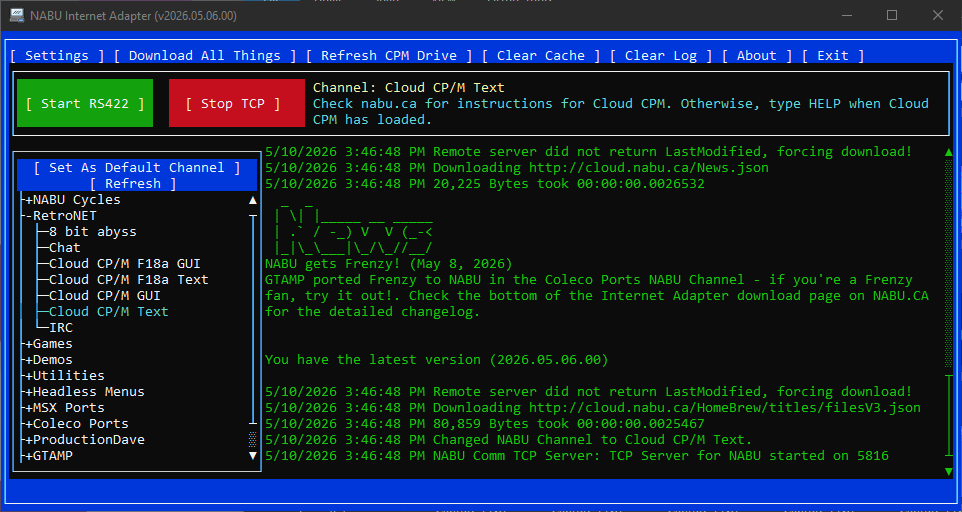
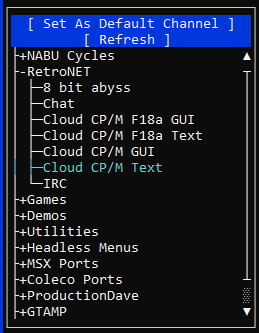
NABU Channels allows you to select from the original NABU Network Cycles or homebrew applications written by the community.
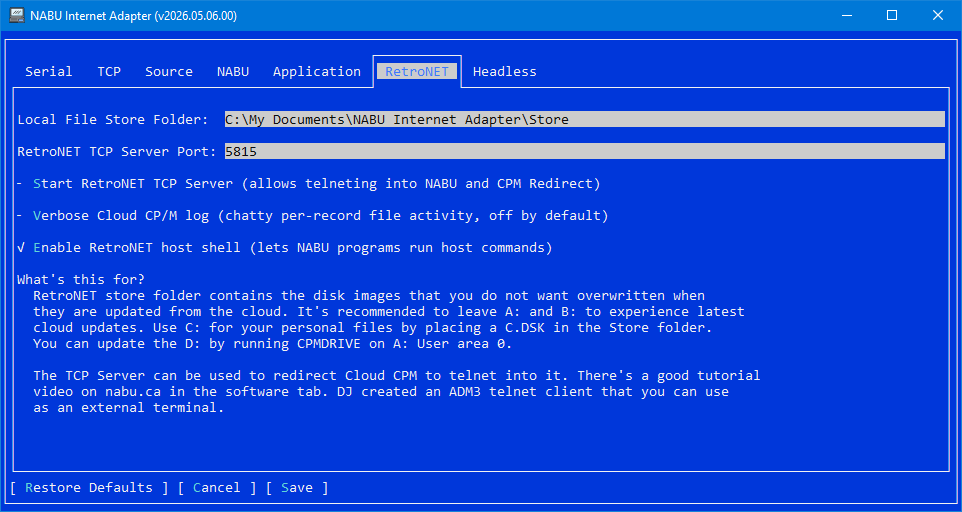
The settings menu offers many options to customize and tweak the behavior when running and creating homebrew apps.
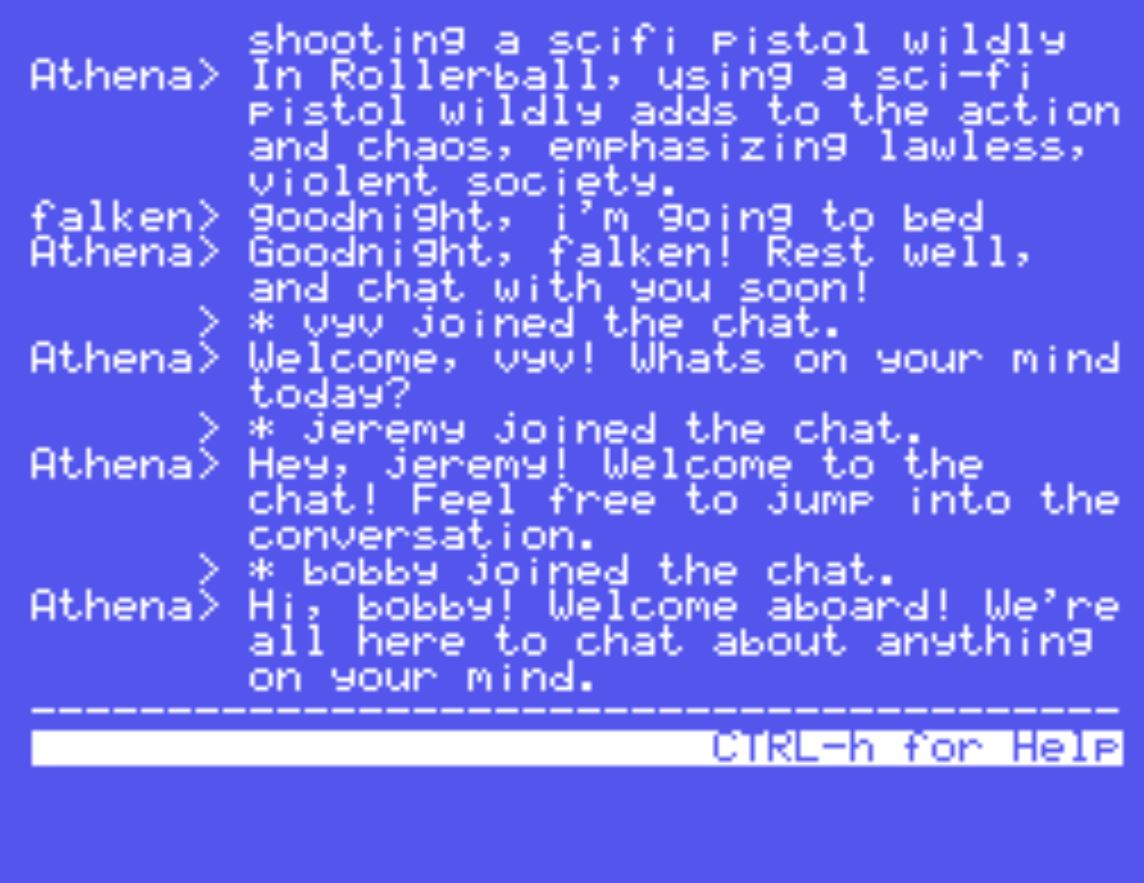
RetroNET Chat is an online chat that runs on your NABU—using the NABU Computer as intended over a worldwide network!
Use the homebrew Telnet with vt100 emulation to connect your NABU to BBS's and your Windows/Linux/MacOS computers.
Experience homebrew demos, including Bad Apple with music on the original 3MHz NABU PC!
Witness the epic NABU Intro. The NABU PC is designed to blend in with your existing entertainment units, such as the VCR.
The Main Menu Cycles are a snapshot from the original NABU Network before it was shut down in 1984.
Many multiplayer family fun games from the original NABU Network of 1984!
Command-line Arguments
The NABU Internet Adapter supports several command-line arguments for different configurations. You can launch NABU-Internet-Adapter-84 -h with a -h argument to get a list of the supported command-line arguments. The command-line arguments allow specifying parameters such as which configuration file to use or whether to run headless with no display output.
Run As A Service
For a true headless experience on your NABU Computer, you can run the NABU Internet Adapter as a service for both Windows and Linux.
Linux: Follow the instructions in the included SERVICE.TXT file in the installation package.
Windows: Follow the tutorial created by Technically Working in his video HERE.