Cloud CP/M
Camelot II Demo
Drive A : User 3 • by DJ Sures
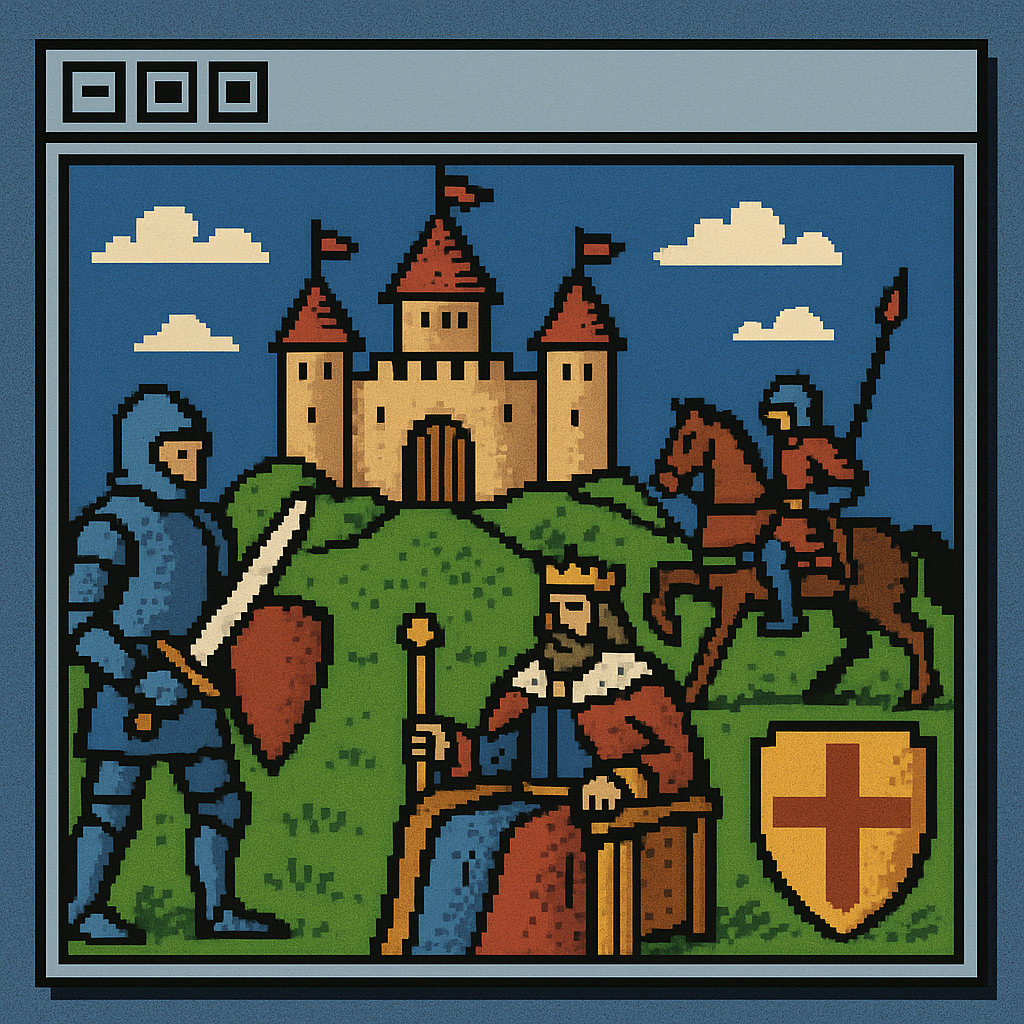
Created 2026-05-03 • Updated 2026-05-03Animated demo featuring castle and Camelot themed graphics with knights and medieval imagery.
CAMELOT2.COM is located on the A: drive in user area 3. To run this, look in the Internet Adapter or Headless menu and select Cloud CPM. After CPM loads and you are presented with an A:0> prompt, type the drive (A:), and then type the user area (user 3). If you type DIR, look for the COM file (CAMELOT2.COM). Enter that filename at the prompt to execute Camelot II Demo.
Location
Drive A : User 3
Files (1)
Screenshots