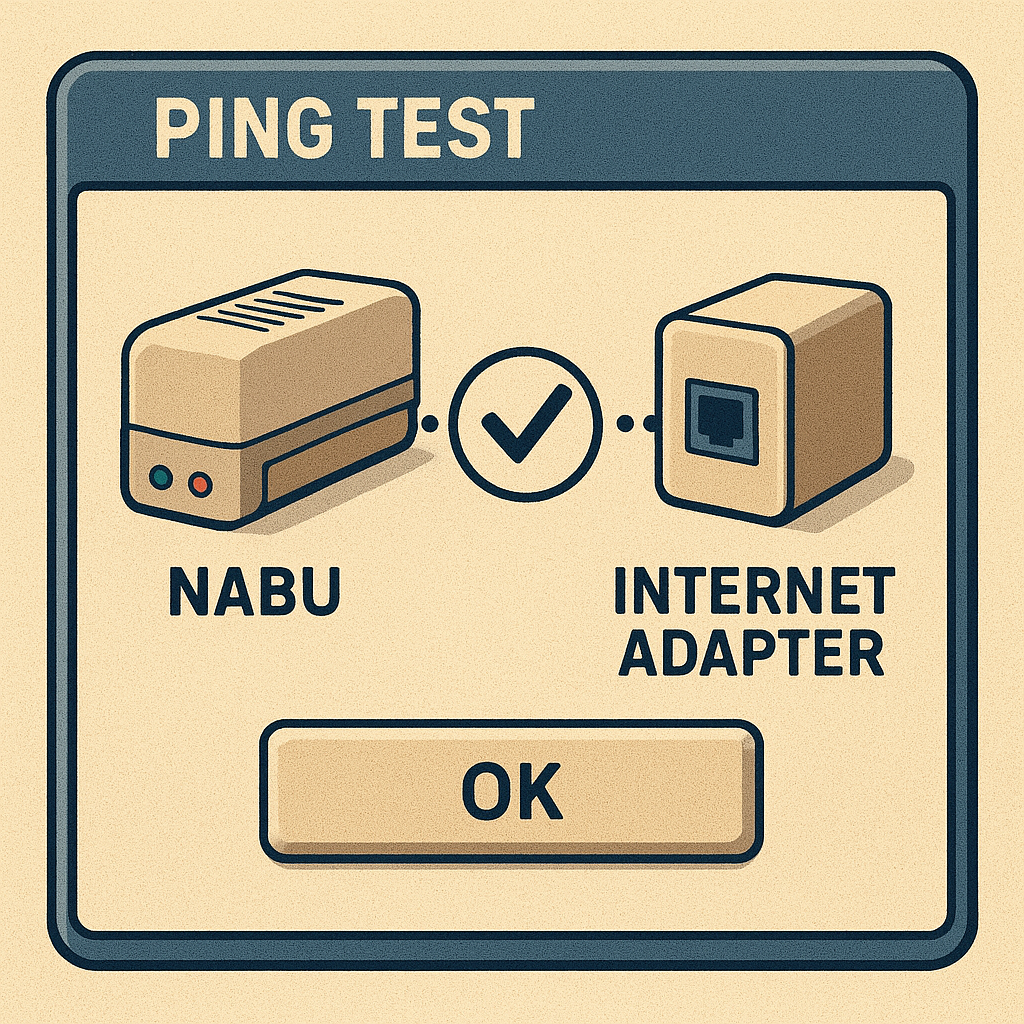
Ping Test
Drive A : User 1 • by DJ Sures
Created 2026-05-03 • Updated 2026-05-04Ping diagnostic between the NABU and Internet Adapter for verifying cable integrity and connection quality.
PINGTST.COM is located on the A: drive in user area 1. To run this, look in the Internet Adapter or Headless menu and select Cloud CPM. After CPM loads and you are presented with an A:0> prompt, type the drive (A:), and then type the user area (user 1). If you type DIR, look for the COM file (PINGTST.COM). Enter that filename at the prompt to execute Ping Test.
A utility to stress-test the Internet Adapter cable for communication issues. The suggested cable is a twisted pair, as RS422 was designed for it. However, the early NABU cables were straight-through shielded MIDI/serial cables, which caused communication issues. Communication issues are most noticeable in Cloud CP/M, as it is very demanding on the HCCA serial interface for accessing drives and data.
Location
Drive A : User 1
Files (1)
Screenshots