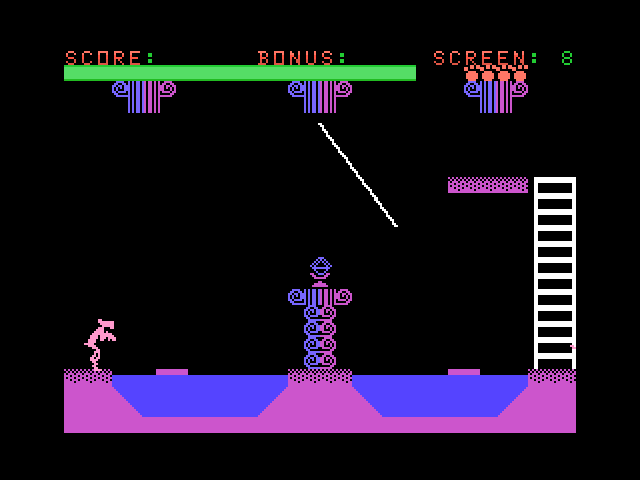
The Adventures of the Pink Panther
Drive B : User 2 • by Claude
Created 2026-10-15 • Updated 2026-10-15Port of a Colecovision prototype. Pink Panther will actually be pink if you have an F18A, light red on stock.
PINK.COM is located on the B: drive in user area 2. To run this, look in the Internet Adapter or Headless menu and select Cloud CPM. After CPM loads and you are presented with an A:0> prompt, type the drive (B:), and then type the user area (user 2). If you type DIR, look for the COM file (PINK.COM). Enter that filename at the prompt to execute The Adventures of the Pink Panther.
I hope they would've lowered the difficulty and polished this a bit more if it was officially released but old games were hard so you didn't pass the 4 screens on day one.
Changes from the Coleco version:
If an F18A is detected then Pink Panther will actually be pink.
On a stock TMS9918a, the Pink Panther sprite is light red (colour 9) instead of red.
Instant respawn: losing a life skips the death tune and level picture. They both still happen when you lose your last life.
Level 4, difficulty 1: the water stays low, so the moving platforms are always visible.
Added Level select to the menu
Level 4 rope changes for NABU 1 button joystick, rope is automatically gripped if you're close enough. Button will flip Pink Panther upside down and grab the diamond.
Location
Drive B : User 2
Files (2)
Screenshots