Cloud CP/M
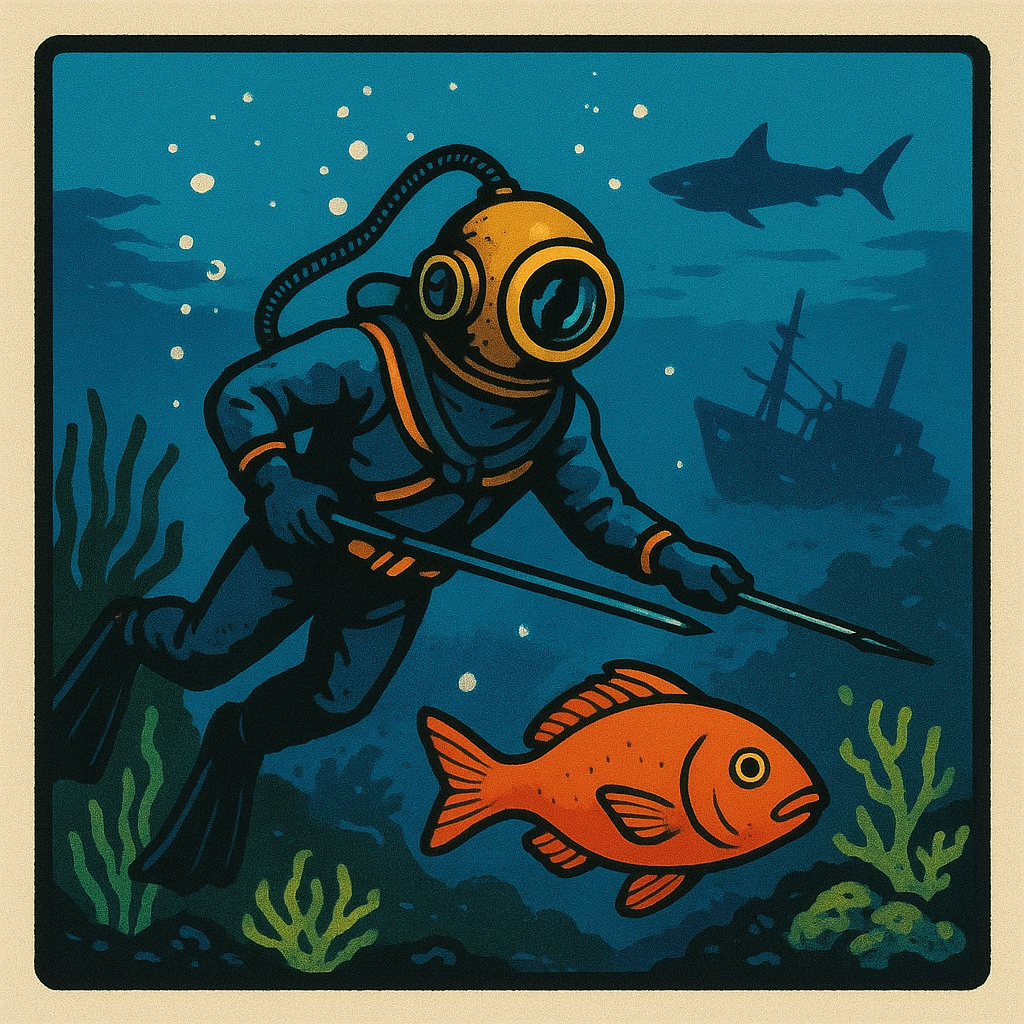
Sea Hunt
Drive B : User 1 • by DJ Sures
Created 2026-05-03 • Updated 2026-05-03Underwater action game with diving and ocean exploration.
SEAHUNT.COM is located on the B: drive in user area 1. To run this, look in the Internet Adapter or Headless menu and select Cloud CPM. After CPM loads and you are presented with an A:0> prompt, type the drive (B:), and then type the user area (user 1). If you type DIR, look for the COM file (SEAHUNT.COM). Enter that filename at the prompt to execute Sea Hunt.
Location
Drive B : User 1
Files (1)
Screenshots