BIOS Mode
Drive A : User 0 • by DJ Sures
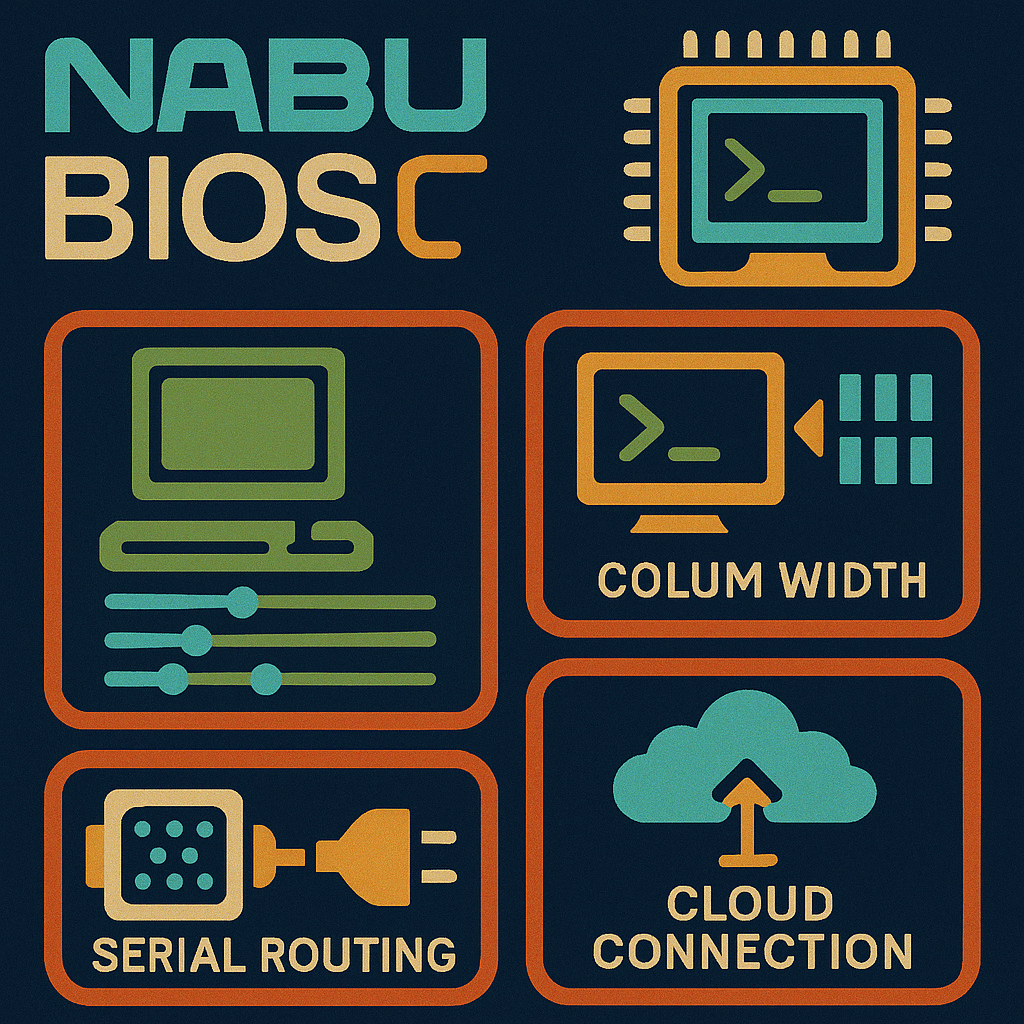
Created 2026-05-03 • Updated 2026-05-04View and reconfigure the active Cloud CP/M BIOS settings including terminal emulation, column width, serial routing, and cloud connection behavior.
MODE.COM is located on the A: drive in user area 0. To run this, look in the Internet Adapter or Headless menu and select Cloud CPM. After CPM loads and you are presented with an A:0> prompt, type the drive (A:), and then type the user area (user 0). If you type DIR, look for the COM file (MODE.COM). Enter that filename at the prompt to execute BIOS Mode.
View and change Cloud CP/M settings. This utility allows you to change the terminal emulation mode and printing device. The terminal emulation modes supported in the Cloud CP/M BIOS are ADM3a (default) and VT52.
The printing output device options allow you to print to a file on the Internet Adapter or to the physical parallel port on the NABU PC.
Location
Drive A : User 0
Files (1)
Screenshots